> For the complete documentation index, see [llms.txt](https://docs.stakingrewards.com/verified-provider-program/llms.txt). Markdown versions of documentation pages are available by appending `.md` to page URLs; this page is available as [Markdown](https://docs.stakingrewards.com/verified-provider-program/guides/manage-your-vsp-profile/how-to-complete-your-enterprise-profile-information.md).
# How to complete your Enterprise profile information
Update your verified profile with Enterprise relevant information about your service on vsp.stakingrewards.com in a few easy steps.
Login: [vsp.stakingrewards.com](https://vsp.stakingrewards.com/).
General purpose behind this section: share contacts that are in charge of enterprise staking.
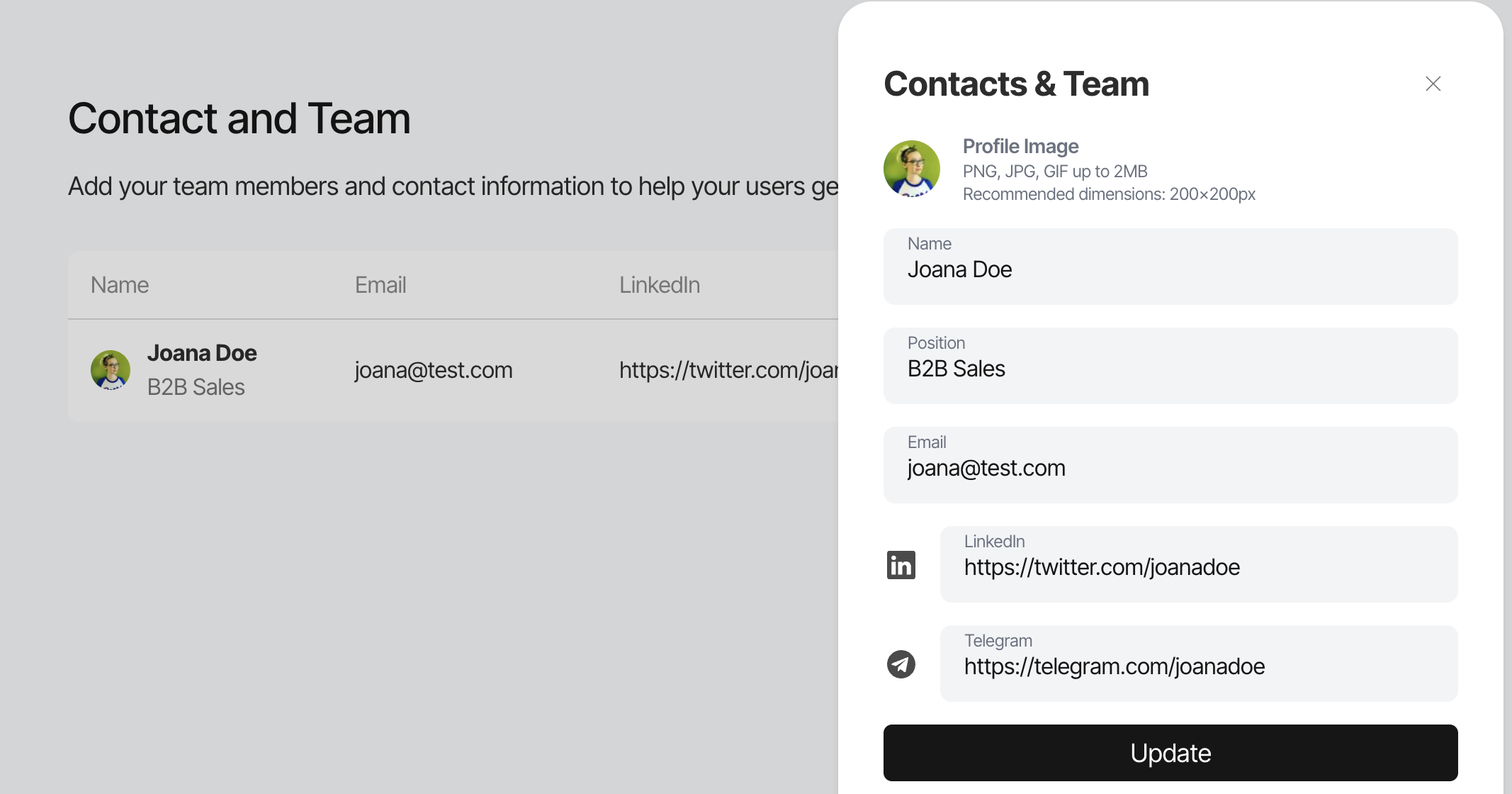
| Contact / Team | Purpose | Size |
| --------------------------- | ----------------------------- | ---------------------------------------- |
| Name and Position | Identify the suitable contact | Max. 60 characters |
| Email, LinkedIn or Telegram | Prefered means of contact | Max. 60 characters |
| Image | Put an image to the name |
Format: PNG, GIF, JPG Max. 2MB
|
Provide a high level overview of relevant B2B ressources that you want to share with institutional clients.
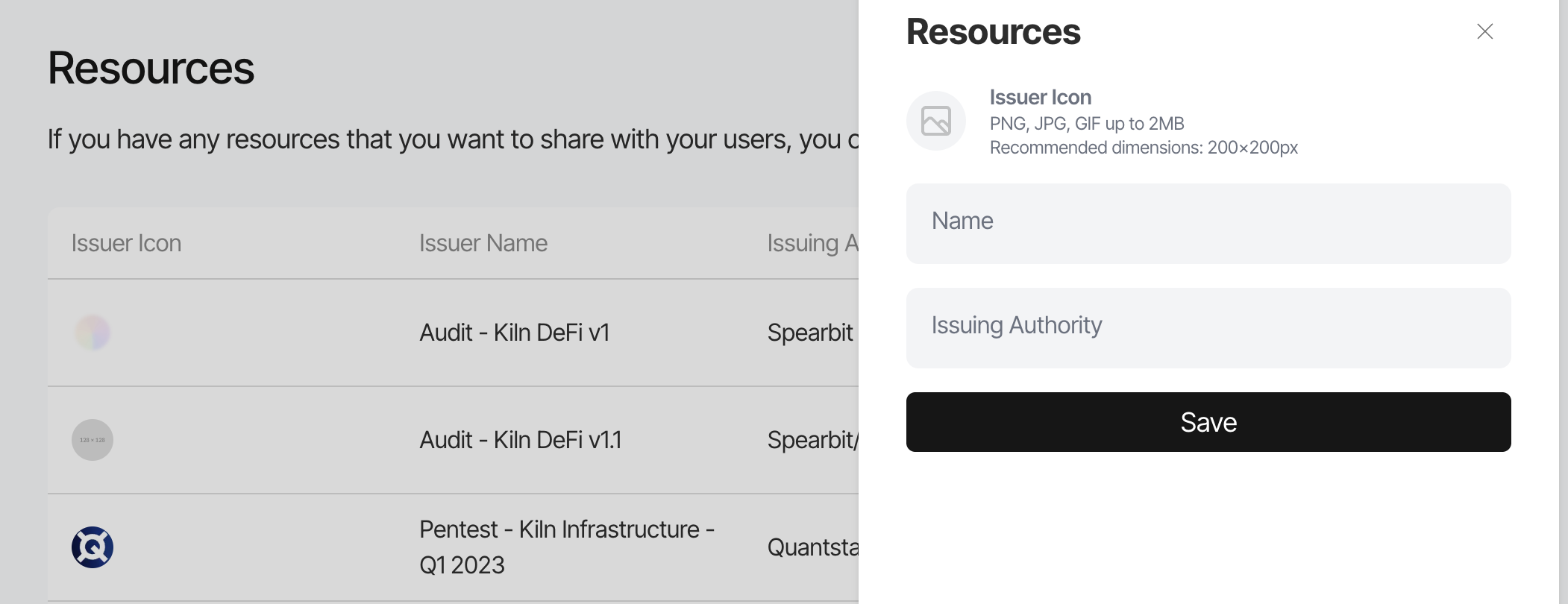
| Ressources | Purpose | Size |
| ----------------- | ---------------------------------------------------------------- | ------------------------------------------------------------- |
| Issuer Icon | Identify the Issuer |
Format: PNG, GIF, JPG Max. 2MB Dimension 200x200
|
| Issuer Name | Identify the Issuer | Max. 60 characters |
| Issuing Authority | What organisation is the responsible originator of the standard. | Max. 60 characters |
Provide a high level overview of relevant certificaitons that you want to share with institutional clients.
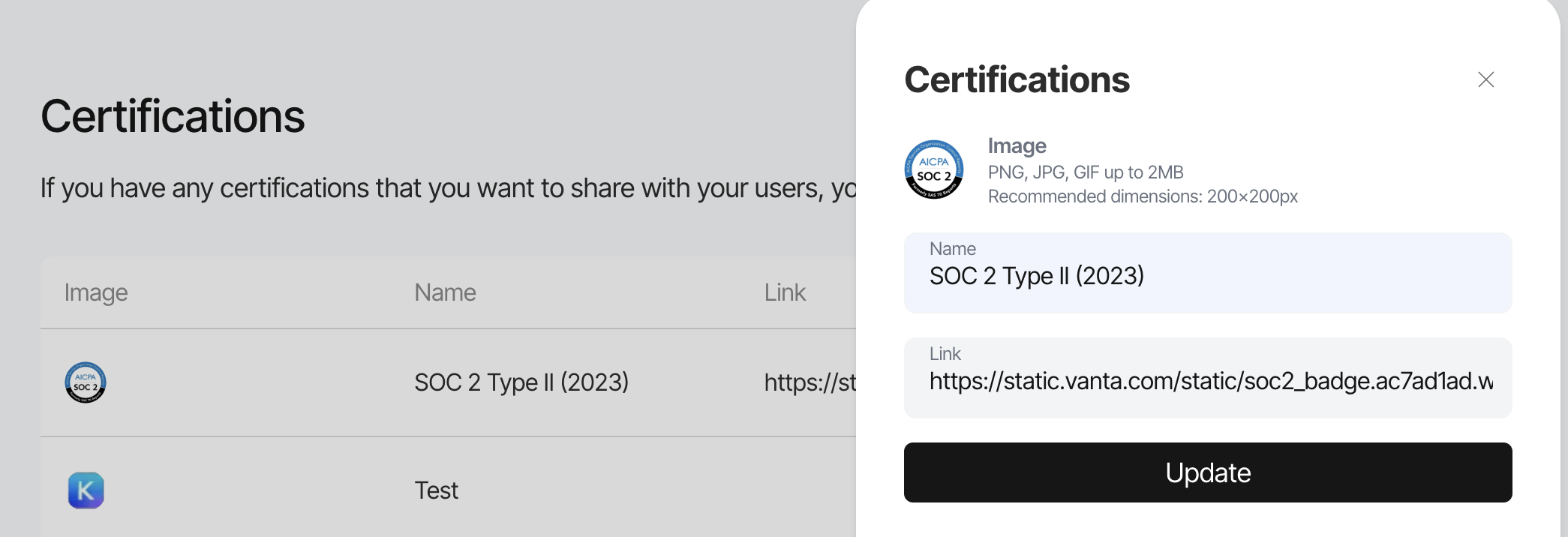
| Ressources | Purpose | Size |
| --------------------- | ---------------------------------------------------------------- | ------------------------------------------------------------- |
| Logo | Identify the Certification |
Format: PNG, GIF, JPG Max. 2MB Dimension 200x200
|
| Certification Name | Identify the Certification | Max. 60 characters |
| Link to Certification | Verify certification on the issuer or issuing authority website. | |
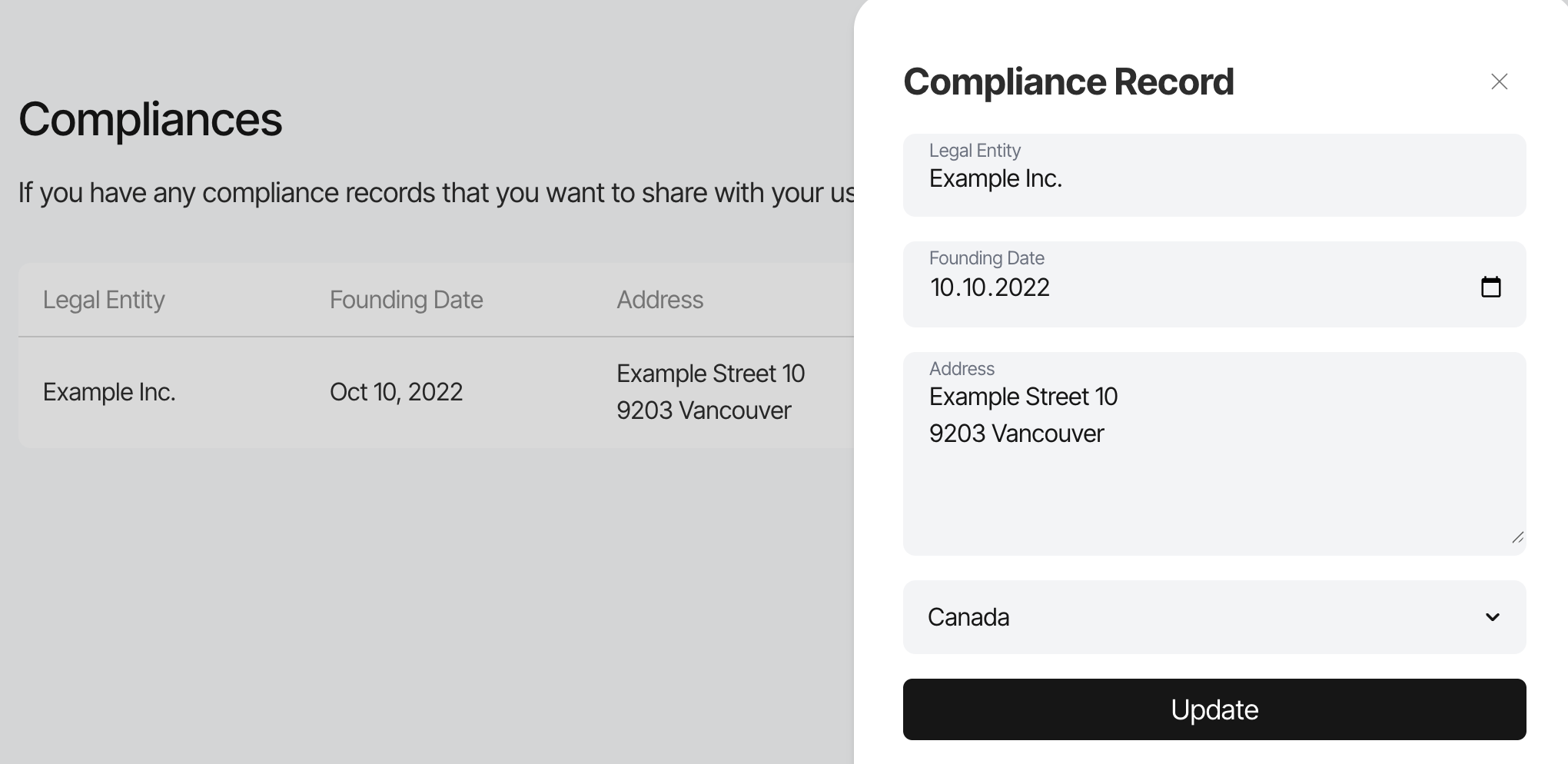
This section is all about the legal entity or entities that are the legal platform for your offering.
| Compliances | Purpose | Size |
| ------------- | ------------------------------------------ | ----------------------------------- |
| Legal entity | Transparency on the legal registry name. | Max. 60 characters |
| Founding Date | |
day.month.year dd.mm.yyyy
|
| Address | Transparency on the legal address registry | Max. 200 characters |
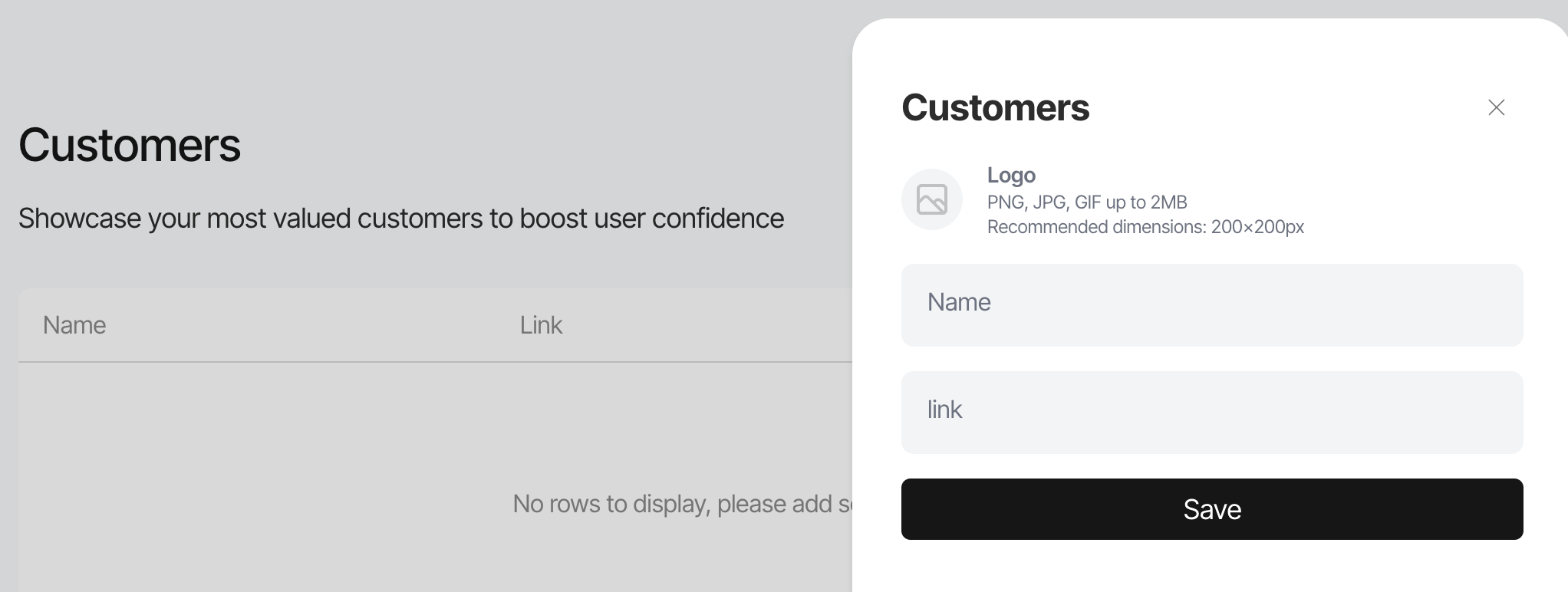
Provide your highlight customers as a reference of who is using your service.
| Ressources | Purpose | Size |
| ---------- | -------------------- | ------------------------------------------------------------- |
| Logo | Customer Identity |
Format: PNG, GIF, JPG Max. 2MB Dimension 200x200
|
| Name | Customer Identity | Max. 60 characters |
| Link | Reference to Website | |
| Value Added Services | Purpose | Size |
| ---------------------- | ------------------------------------------------------------- | ------------------------------------------------------------- |
| High level Description | High level summary of all your contributions to the community | Max. 500 characters |
| Image | Impression Teaser of the Service Interface |
Format: PNG, GIF, JPG Max. 2MB Dimension 200x200
|
| Service Name | Service Name | Max. 60 characters |
| Service Description | High level summary of the service highlights. | Max. 500 characters |
| Link | Reference to Website | |