> For the complete documentation index, see [llms.txt](https://docs.stakingrewards.com/verified-provider-program/llms.txt). Markdown versions of documentation pages are available by appending `.md` to page URLs; this page is available as [Markdown](https://docs.stakingrewards.com/verified-provider-program/guides/manage-your-vsp-profile/how-to-submit-a-validator-address.md).
# How to submit a validator address
Submit validators for all assets, regardless if they are supported and unsupported by us.
Login: [vsp.stakingrewards.com/data-requests](https://vsp.stakingrewards.com/data-requests)
**Submit Validator supported Asset**
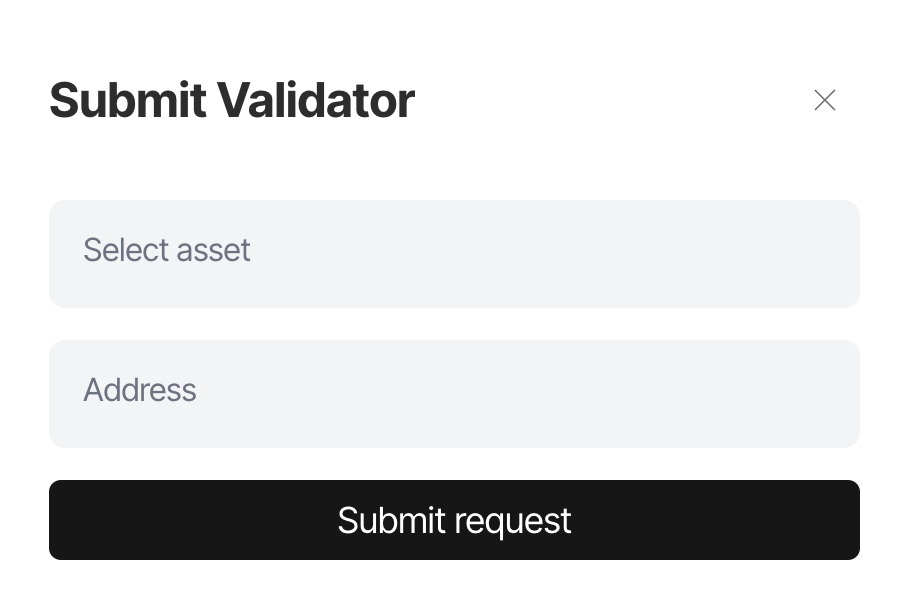
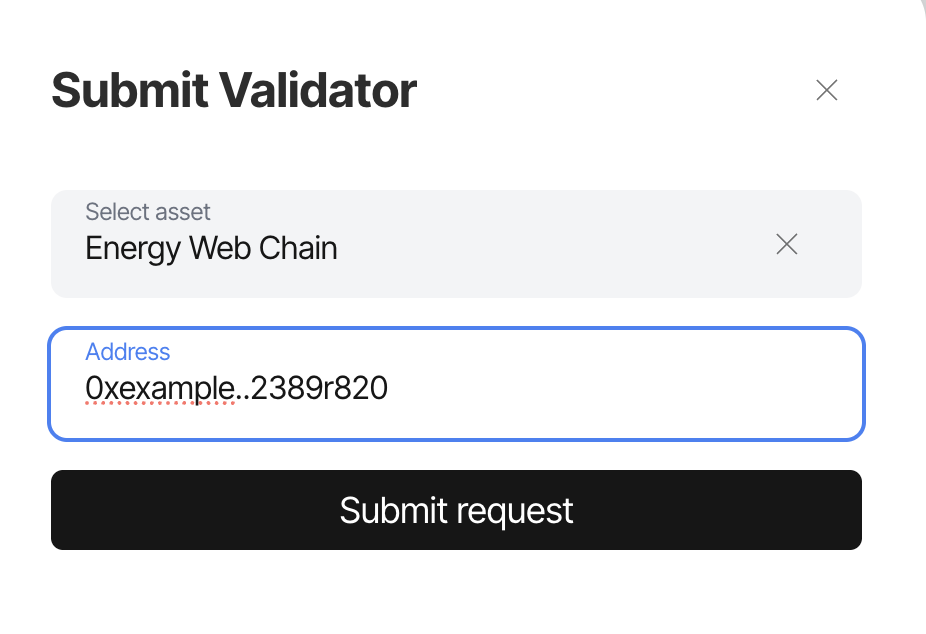
You can submit a validator for every asset. Click on **Submit Validator Address** and just enter its name manually and the respective validator address. If you have multiple validators, repeat the process.
\
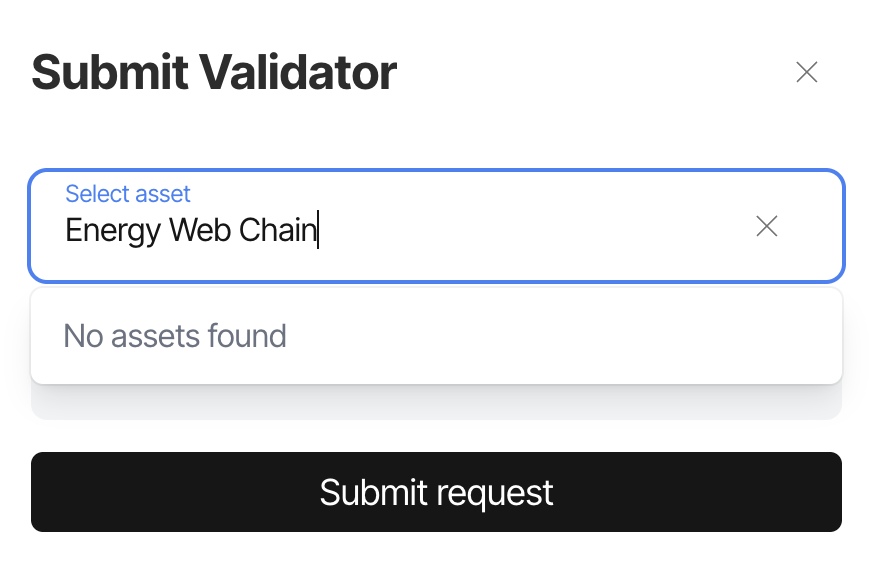
**Submit Validator unsupported Asset**
You can submit a validator for every asset. Click on **Submit Validator Address** and just enter its name manually and the respective validator address. If you have multiple validators, repeat the process.